Additional Information
- The contents inside a protected page can be authored by Editors and the login content will be authored by Admins.
- We can have different types of authentication in a site.
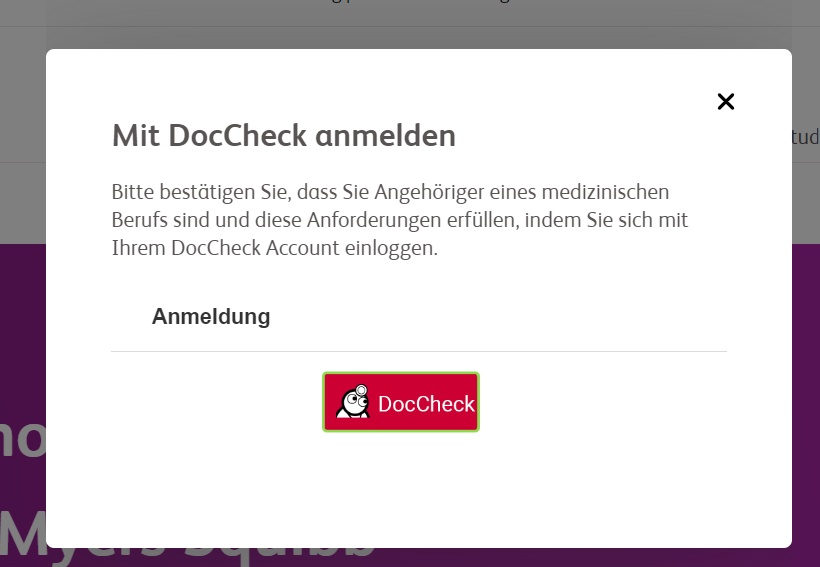
- Doccheck / SwissRX
- Gigya Login : Full fledged login with profile screen, forgot password, password reset screen and session expired screen
- Patient code login
- A page will be protected / behind login when it detects "protected" keyword in the URL.
- The content authored above the text: "Please author Protected Content Here" will be visible before login.
- The content authored below the text: "Please author Protected Content Here" will not be visible before login. To view the protected content, user needs to login to the site.
- Login content can be displayed in a popup.
- If a site has Gigya and DocCheck / Swiss RX login. Gigya comes on top and then Doccheck / Swiss RX button loads below it.
- If a site has Patient code and DocCheck login in a site, then toggle tab option comes to choose between both login. References Example
For more details on protected page authoring, please visit below URLs:
For protected view of this page, please check Protected URL secured view.