


Additional Information
- This component will be authored by Admins.
- We can add two types of site leaving warning modal:
- Cross-site Warning Modal: This modal variation is used when a URL given is for another BMS site of different domain.
- External site Warning Modal: This modal variation is used when a URL is given for third party sites
- The Cancel and Confirm buttons will always be aligned in the bottom right side of the pop up. First the Cancel button is displayed beside that the confirmation button. We cannot add an icon inside any of the button.
- The OK/Confirm button will inherits the background color from Primary Color Scope defined in the Site Color Theme inside the Locale page properties and the text color will be always White. On click of this button, we gets redirected to the external URL in new tab.
- The Cancel button will always have light gray color background and dark gray color for the text inside it and this cannot be customized. On click of this button, the modal will close and we get on the same page from where we clicked on the external URL.
- We can add message on both of the pop-up inside Text/Message field. For content editing details and text formats within this field, please visit Text Format page.
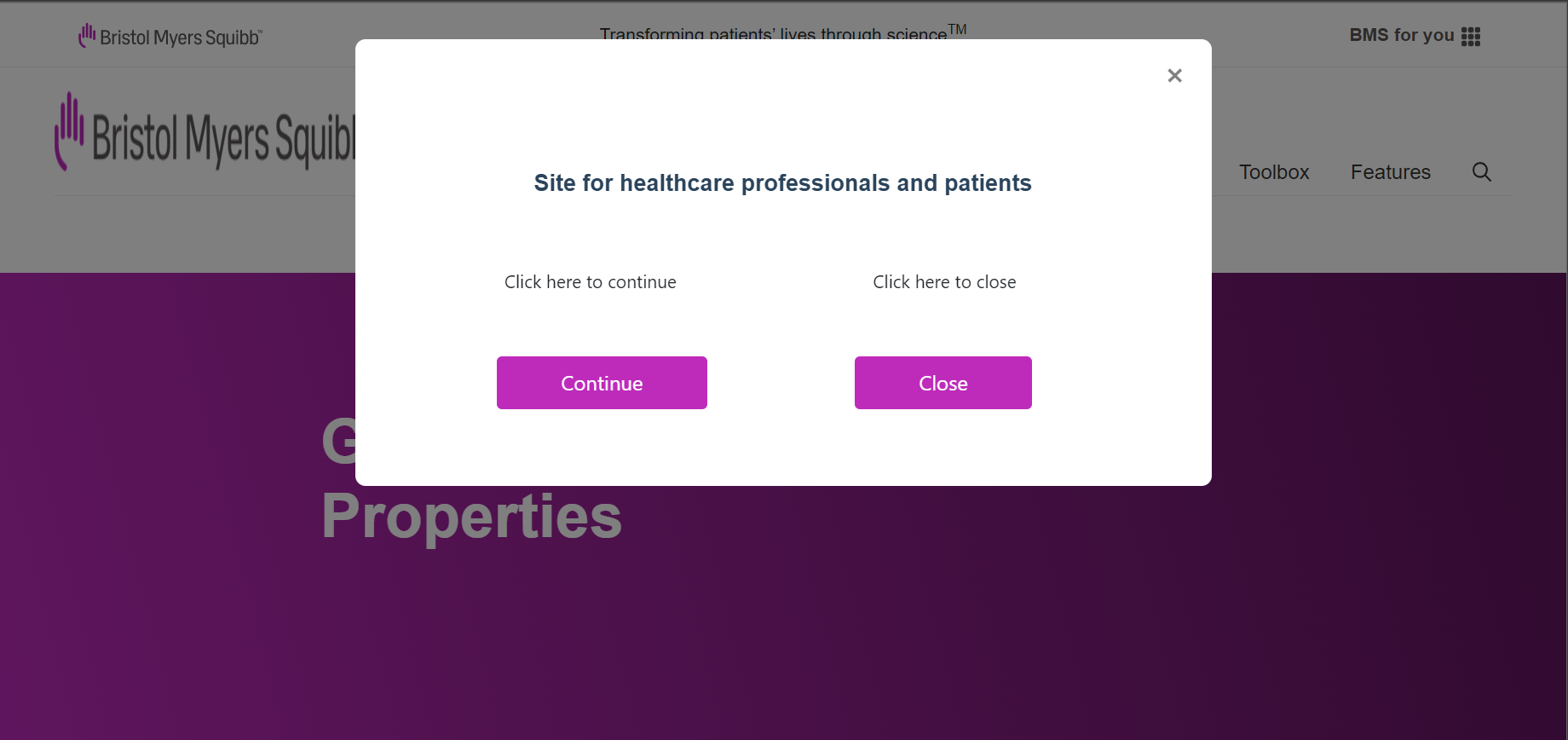
- We have a close icon, which cannot be changed or customized, on the right top side of the pop up, which will close the pop up and we come to the same page from where we clicked on the external URL.
- We can also close the pop up by clicking outside of it.
For more details on authoring part, please visit Link Warning Modal component and Site Entry Modal authoring guide.
