
Additional Information
- Webshop component needs to be authored by both admins & editors.
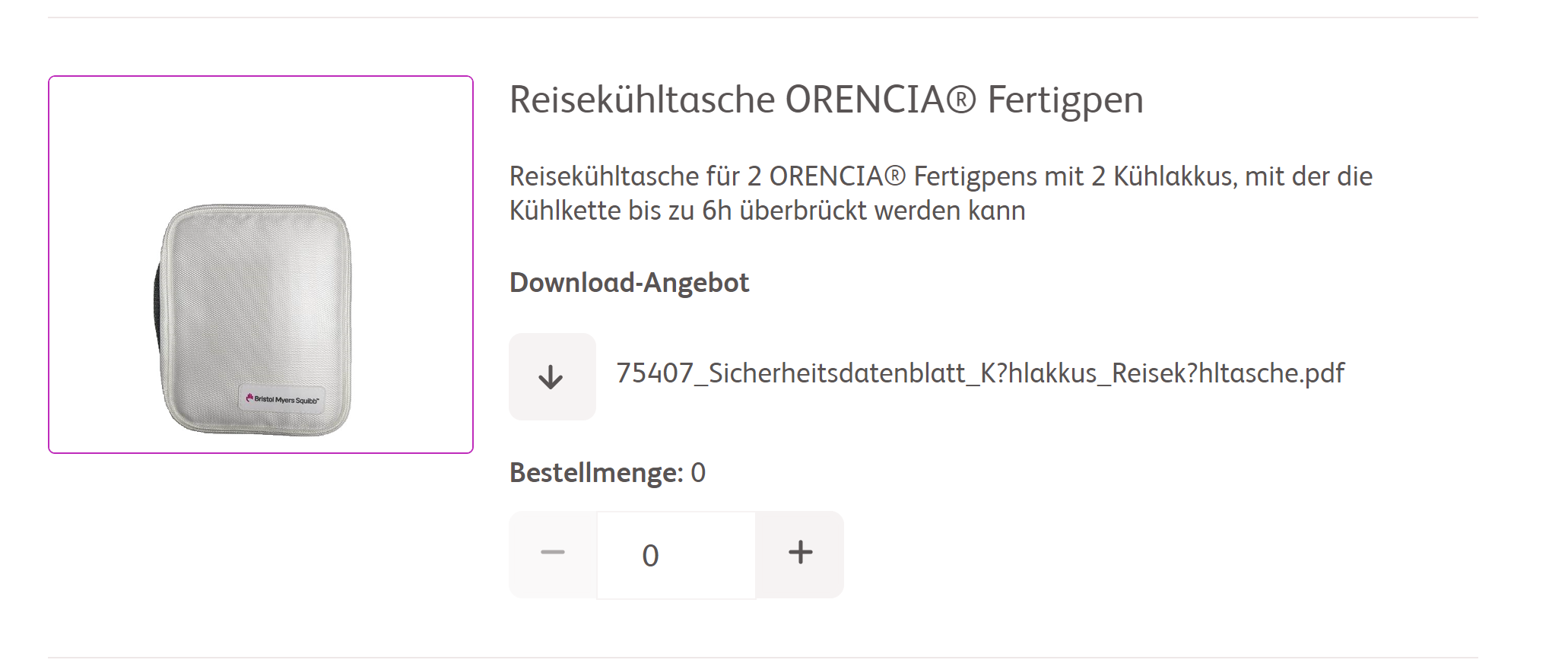
- Product lists are displayed at the top followed by an order form that needs to be filled once the materials are selected.
- Admin team configures the material details in the backend & tags them appropriately to be displayed in the front-end.
- Users can filter the available materials by clicking on the filter options available at the top (no limit on the number).
- Website description that appears on top of the product list can be customized.
- Each product/material consists of an image & a description that is fetched dynamically from the third party platform configured by the admin team.
- In the absence of an image for a material, editors can author a default image that would appear in case the image is not configured in the backend.
- Users can add materials to the cart by clicking on "+" or "-" button. Each material would display an error message based on the limit which would vary for each material. The error message is customizable.
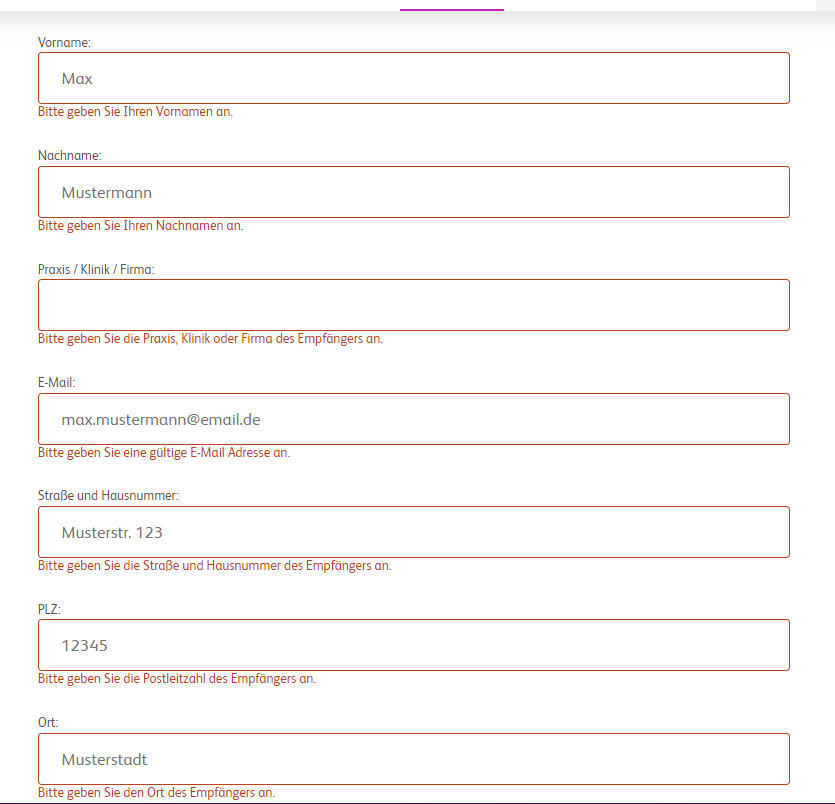
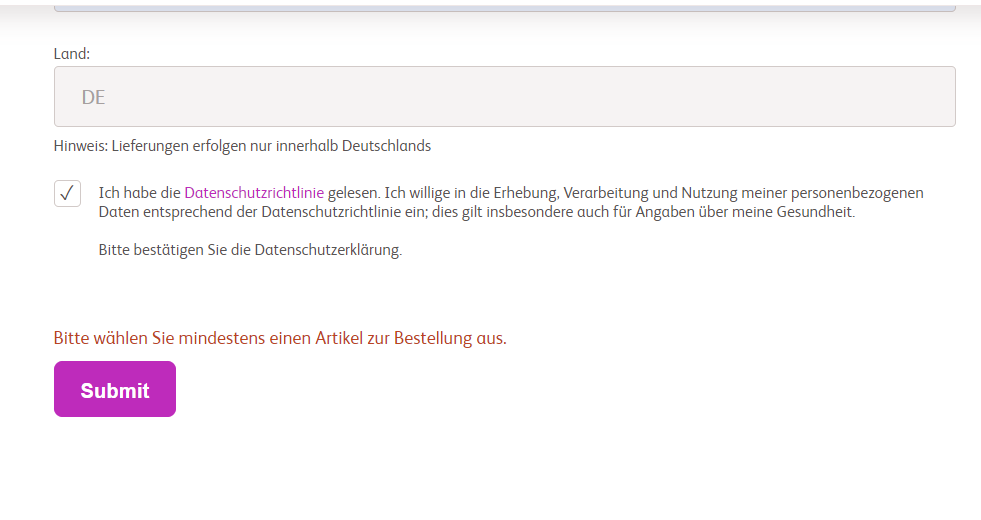
- As of now in the Order form, the below information is static and cannot be customised
- All fields are mandatory except Salutation & Title fields
- Color & text of Error messages
- Fields in the form and the order of the fields.
- On successful submission, the form details are submitted to the requested third-party vendor which consists of material details, form data & the website from which the order is being requested.
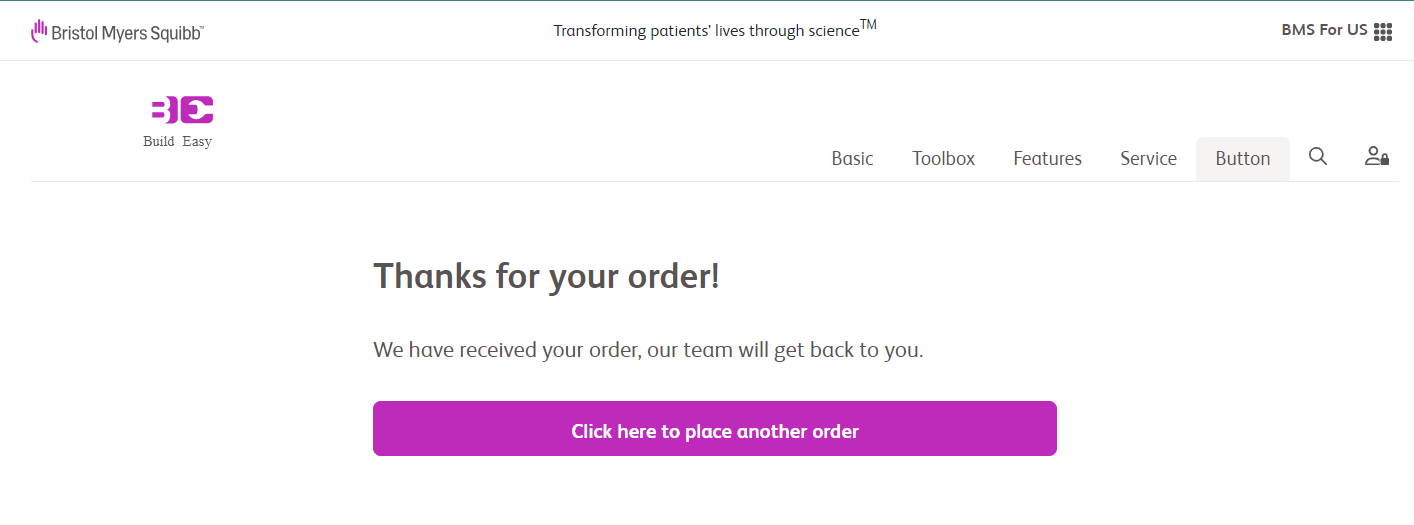
- Approriate thank you / error messages are displayed based on the form submission.
For more details on authoring, please visit Webshop component authoring page.
